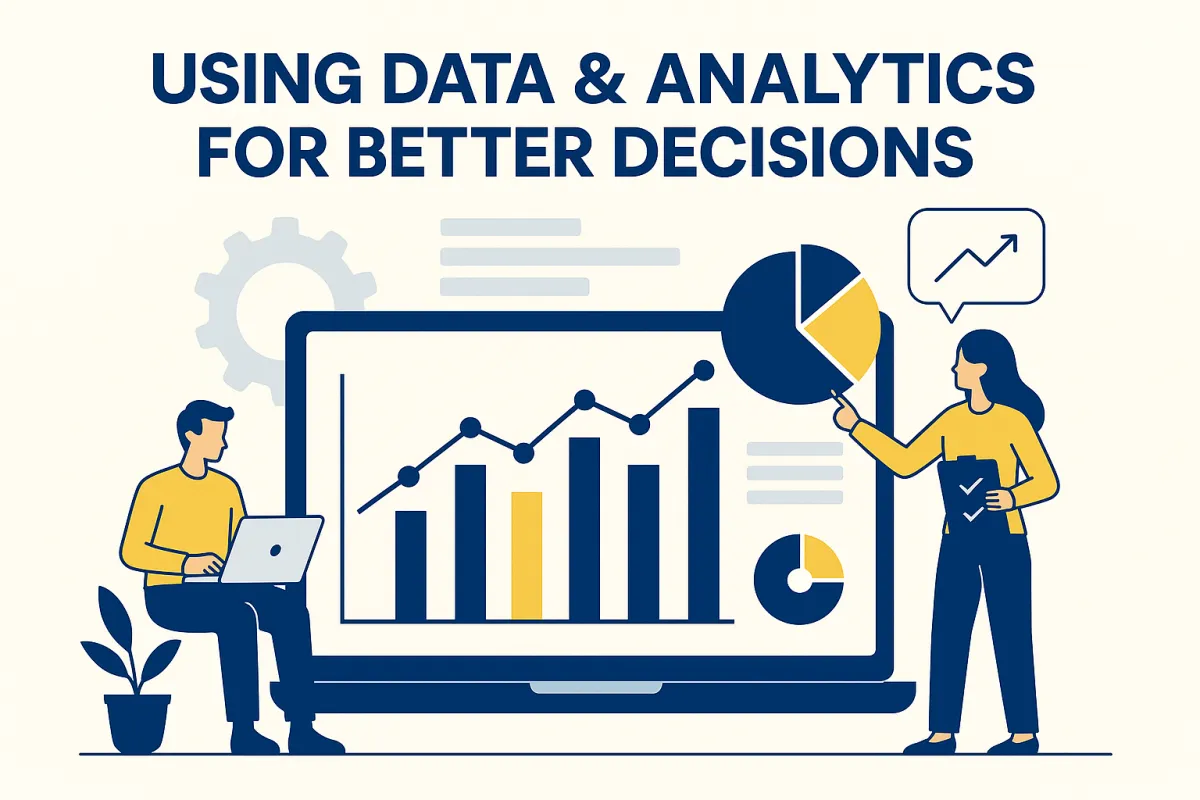
Using Data & Analytics to Make Better Decisions in Your Local Business (2025 Guide)
Most local business owners rely on instinct to make decisions:
“I think we’re getting more calls this month.”
“I feel like this service is the most profitable.”
“I believe our ads are working.”
“I think our slow season is coming.”
But here’s the truth:
What you think is happening and what’s actually happening are often very different.
Businesses that use data — even simple data — make smarter decisions, waste less money, and grow faster.
You don’t need big corporate software.
You don’t need a data degree.
You don’t need complicated spreadsheets.
You just need the right metrics, presented clearly, in one place.
This guide shows you exactly how local service businesses can use data + analytics to grow stronger, faster, and more profitably.
Why Data Matters for Local Service Businesses
Data gives you clarity.
Instead of guessing…
You know:
✔ Where your leads come from
✔ Which services make the most money
✔ How well your follow-up performs
✔ Where customers drop off
✔ Which ads actually work
✔ How many jobs are in your pipeline
✔ Who your repeat customers are
✔ Your slow and busy seasons
✔ What to fix next
✔ What to focus on first
Most local businesses don’t need more marketing.
They need better decisions.
Data makes that possible.
The 8 Types of Data Every Local Business Should Track
You don’t need hundreds of metrics.
You only need these eight.
Let’s break them down simply.
1. Lead Sources (Where Your Customers Actually Come From)
Most owners think they know where leads come from.
Data shows the truth.
Track:
Facebook ads
Google ads
Google Business Profile
Referrals
Website traffic
Landing pages
Email campaigns
Organic social
Direct calls
Walk-ins
When you know what works, you can stop wasting money on what doesn’t.
Data Example:
If your Facebook ads bring in 70% of your leads, but Google ads bring in 5%, you know exactly where to increase budget.
2. Response Time (How Fast You Reply)
This is one of the biggest predictors of revenue.
Analytics show:
How long it takes your business to respond
How many leads you lose due to slow replies
How many messages go unanswered
Which team members respond fastest
Most small businesses respond in hours.
Customers expect seconds.
Automations + analytics fix this instantly.
3. Follow-Up Performance
Your follow-up workflow should show:
How many leads responded
How many leads did NOT respond
How many estimates were viewed
How many estimates were accepted
Where leads drop off
Which messages convert best
This data reveals:
✔ Bottlenecks
✔ Missed opportunities
✔ Forgetful follow-up
✔ Lost revenue
With analytics, you immediately see where to focus your time.
4. Pipeline & Job Stages
Every local business should be able to see:
How many new leads came in
How many contacted you
How many got estimates
How many booked
How many completed
How many paid
This is your money flow.
It shows:
✔ Future revenue
✔ How busy you’ll be next month
✔ Whether ads are working
✔ Whether follow-up is strong
✔ Where you’re losing customers
Without pipeline analytics, you’re flying blind.
5. Service Performance
Not every service is equally profitable.
Track:
Which services are most popular
Which services generate the most revenue
Which services cost the most time
Seasonal performance by service
Upsell opportunities
Example:
If ceramic coating brings in 40% of your revenue but only 10% of your marketing budget, you can scale it.
Data makes that obvious.
6. Customer Value & Repeat Business
You should know:
Average customer value
Lifetime value
Frequency of repeat visits
Which customers buy the most
Which services create the most repeat business
This helps you decide:
✔ What specials to offer
✔ What upsells to promote
✔ Who to re-market to
✔ Where to invest more
Many businesses don’t realize 20% of customers make up 60–80% of revenue.
7. Online Reviews & Reputation Metrics
Reviews = revenue.
But you need data that tells a story:
How many reviews you get per month
Average star rating
Review growth
Review source (Google, Facebook, etc.)
Keywords customers use in reviews
Number of review requests sent vs completed
This shows whether your reputation is helping or hurting your business.
8. Revenue Metrics
You shouldn’t just track “how much you made.”
You need to track:
Revenue by week
Revenue by month
Revenue by service
Revenue by customer type
Revenue by lead source
Revenue projections
Cost vs. profit
Seasonal trends
This helps you plan:
✔ Staffing
✔ Busy seasons
✔ Marketing budget
✔ Equipment purchases
✔ Business expansion
Analytics transforms your financial clarity.
How to Use This Data to Make Better Business Decisions
Let’s go from theory → practice.
Decision #1: Where to advertise
Data shows exactly which lead source gives the best ROI.
Decision #2: Which services to promote
Your revenue and job data show which services to scale.
Decision #3: Why customers don’t convert
Follow-up analytics show where they drop off.
Decision #4: When to raise prices
High demand and full pipelines = raise rates.
Decision #5: When to hire
Busier months, consistent leads, and projected revenue make this clear.
Decision #6: What automation to add next
Data tells you which tasks waste the most time.
Decision #7: What’s costing you money
Unanswered messages, slow replies, and weak follow-up appear instantly in your dashboards.
How SaaSquatchAI Helps Local Businesses Use Data Easily
Most local business owners don’t track data because:
❌ It’s too complicated
❌ The tools are confusing
❌ Information is scattered
❌ It takes too much time
SaaSquatchAI solves that.
With SaaSquatchAI, you get:
✔ A real-time analytics dashboard
✔ Lead source tracking
✔ Pipeline visualizations
✔ Revenue charts
✔ Appointment data
✔ Automation performance
✔ Review analytics
✔ Message response data
✔ Team performance metrics
✔ AI insights & recommendations
No spreadsheets.
No guesswork.
No wasted time.
Just clarity.
Data Turns Local Businesses Into Stronger Businesses
When you make decisions based on data:
📈 You spend less
📈 You earn more
📈 You waste less time
📈 You book more jobs
📈 You improve customer experience
📈 You grow your reputation
📈 You stop “guessing”
📈 You grow strategically
Data doesn’t replace your experience.
It supports it — and multiplies the impact.