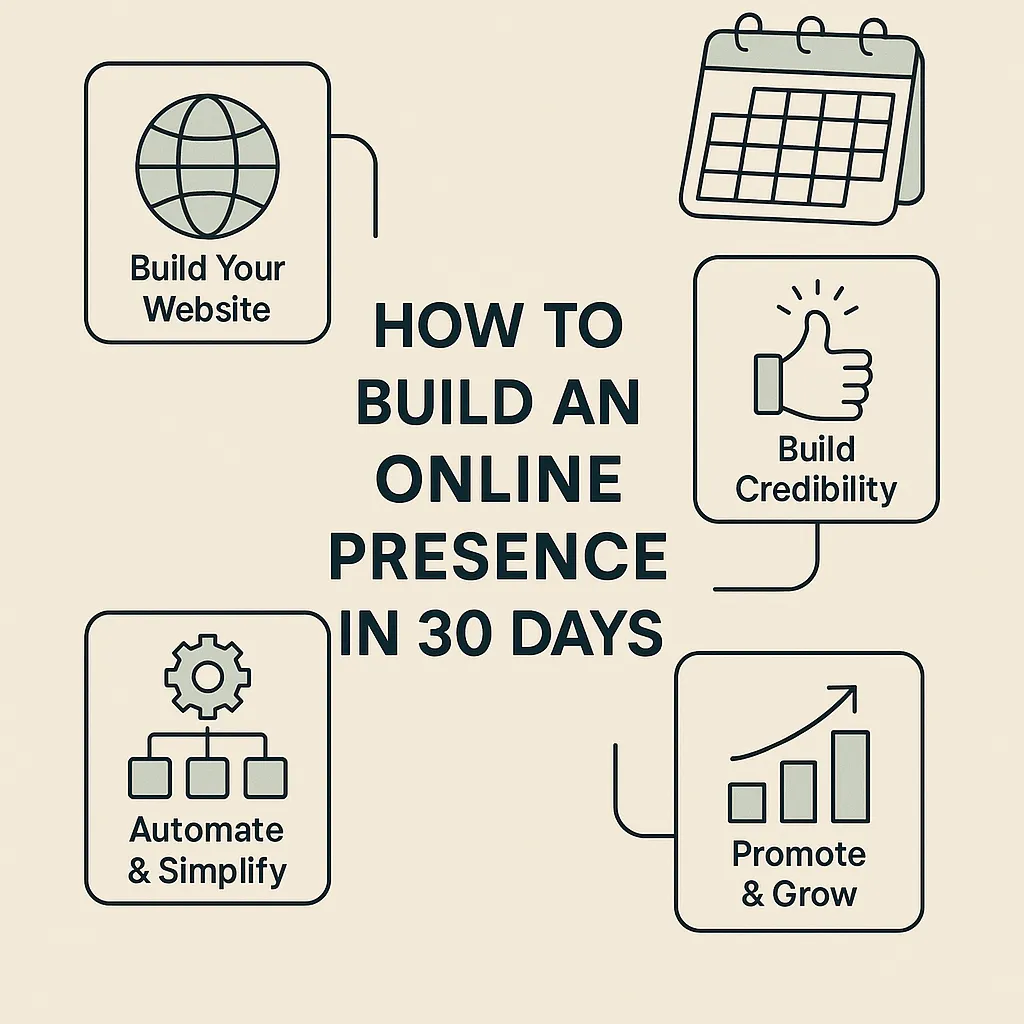
How to Build an Online Presence for Your Local Business in 30 Days (2026 Blueprint)
How to Build an Online Presence in 30 Days (Local Business Edition)
In 2025, customers decide who to hire based on what they see online.
Before they ever call you, they check:
Your website
Your reviews
Your photos
Your social media
Your Google profile
Your professionalism
Your responsiveness
The problem?
Most small businesses either:
❌ Don’t know where to start
❌ Don’t have time
❌ Feel overwhelmed
❌ Are using outdated tools
❌ Don’t have a plan
This 30-day blueprint fixes all of that.
Follow this simple plan and you’ll have a professional, modern, credibility-boosting online presence in just one month — without needing a marketing degree, a big agency budget, or complicated tech.
Let’s begin.
⭐ 30-Day Online Presence Roadmap for Local Businesses
This plan is broken into 4 weekly sprints.
Each week builds on the last.
WEEK 1: Build Your Foundation (Days 1–7)
Goal: Make your business look real, legitimate, and trustworthy online.
This week focuses on making sure customers can FIND and TRUST you.
Day 1–2: Claim & Optimize Your Google Business Profile
This is the #1 most important asset for local businesses.
Optimize:
✔ Business name
✔ Description with keywords
✔ Photos (real photos only)
✔ Service areas
✔ Services
✔ Hours
✔ Links to booking/website
✔ Messaging
✔ Categories
✔ Q&A section
Google Business Profile is often responsible for 40–80% of local leads.
Day 3–4: Build a Modern, Clean Website
Customers judge your business in 3–5 seconds.
Your site needs:
Clear headline
Clean design
Simple navigation
Click-to-call button
Booking button
Services overview
Pricing (if applicable)
Testimonials
Before/after photos
Contact form
Fast load time
SaaSquatchAI’s website builder makes this extremely easy — no coding, no complex tools.
Day 5: Set Up Online Booking (Critical)
Customers hate calling. Most prefer to book online.
Online booking boosts conversions instantly.
Set up:
✔ Calendar availability
✔ Automated reminders
✔ Confirmation messages
✔ Follow-up sequences
✔ Reschedule links
Day 6–7: Create 2–3 Landing Pages for Key Services
Landing pages convert 2–5× better than websites.
Examples:
“Book Your Mobile Detail”
“Get a Free Lawn Care Quote”
“Gutter Cleaning Special”
“New Client Facial Promo”
These are essential for:
Ads
QR codes
Social media
Flyers
Seasonal specials
WEEK 2: Build Credibility (Days 8–14)
Goal: Make customers trust you before they even meet you.
Credibility = conversions.
Day 8–9: Set Up Automated Review Requests
Reviews are your digital reputation.
Set up:
✔ Review requests
✔ Review reminders
✔ Google/Facebook integration
✔ QR code for in-person jobs
✔ Review funnel page
Businesses using automated review systems see 2–3× more reviews in 30 days.
Day 10–11: Upload Before/After Photos & Portfolio Content
People trust what they can see.
Add:
✔ Before/after photos
✔ Video walkthroughs
✔ Service-specific galleries
✔ Customer transformations
✔ Real project photos
These dramatically increase booking rates.
Day 12–13: Add Testimonials & Case Studies
Even a few testimonials:
⭐ Build trust
⭐ Validate your skills
⭐ Show professionalism
⭐ Reduce buyer hesitation
Place them on:
Website
Landing pages
Social media
Google profile
Day 14: Create Social Media Profiles (If Not Already)
Focus ONLY on platforms your audience uses:
✔ Facebook
✔ Instagram
✔ Google Posts
✔ TikTok (optional)
No need for everything — just consistency.
WEEK 3: Automate & Simplify (Days 15–21)
Goal: Save time and improve customer experience through automation.
Day 15–16: Set Up an Automated Follow-Up System
This is where most businesses lose money.
Automate:
✔ Instant reply
✔ Missed call text-back
✔ Estimate reminders
✔ “Ready to schedule?” nudges
✔ Long-term nurture sequences
This can double your bookings without spending a penny more on marketing.
Day 17–18: Automate Appointment Reminders
No-shows drop by 80% when reminders are automated.
Set up:
✔ 24-hour reminders
✔ Day-of reminders
✔ Confirmation links
✔ Reschedule links
Day 19–20: Automate Your Review Requests
If you completed this earlier, improve it by adding:
✔ triggers
✔ delayed sends
✔ follow-up reminders
✔ satisfaction filters
Day 21: Set Up Email & SMS Campaigns
Create:
Monthly newsletter
Promotions
Holiday messages
Tips & helpful content
Reactivation campaigns
Birthday messages
These keep customers coming back.
WEEK 4: Promote & Grow (Days 22–30)
Goal: Get more leads, more visibility, and more booked jobs.
Day 22–23: Start Posting Consistently
You don’t need to post daily.
Just be predictable.
Use SaaSquatchAI’s Social Planner to schedule:
✔ 2–3 posts per week
✔ Before/after photos
✔ Customer testimonials
✔ Promos
✔ Educational content
Day 24–25: Turn On Ads (If Budget Allows)
Start small:
$5–$10/day
Target your local area
Promote one landing page
Use a simple offer
Paid ads + landing pages = conversions.
Day 26–27: Add QR Codes to Your Offline Materials
Perfect for:
Trucks
Flyers
Business cards
Yard signs
Contracts
Invoices
Uniforms
QR → Landing page → Booking.
Day 28–30: Evaluate & Adjust Using Analytics
Review:
✔ Lead sources
✔ Booking rates
✔ Review count
✔ Website traffic
✔ Call volume
✔ Response times
✔ Top-performing services
✔ Revenue trends
✔ Missed opportunities
Adjust your next 30 days based on real data.
In 30 Days, Your Business Will Have:
✔ A professional website
✔ High-converting landing pages
✔ Online booking
✔ Automated follow-up
✔ Strong review generation
✔ Consistent social media
✔ Clear analytics
✔ A modern online presence
And with SaaSquatchAI, most of these steps take minutes, not days.